What Are Dark Web Onion Links and How Do They Work
An onion link is a .onion address that points to a hidden service on the Tor network. When you visit a .onion site using Tor Browser, your connection is routed through multiple relays, and the site's server location is hidden from your ISP and from the site operator. The address itself is derived from the site's public key, which means a legitimate onion link cannot be spoofed or redirected to a different server without the private key.
Onion links are typically 56 characters long in the current v3 format (older v2 addresses were 16 characters). The address looks random but is deterministic: the same hidden service always has the same onion address. This is why phishing clones are a constant problem. An attacker cannot steal a real onion address, but they can create a new hidden service with a similar-looking address and trick users into visiting it instead.
The Tor Project publishes the technical specification for onion services, which explains that v3 addresses include a checksum and a version byte, making them more resistant to typosquatting than v2 addresses were. Understanding this distinction helps you recognize when a link might be fraudulent.
Why Onion Links Change and Mirrors Disappear
Onion directories and link lists go stale quickly because hidden services are frequently taken offline, seized by law enforcement, or abandoned by their operators. A directory that was accurate three months ago may contain 40 percent dead links today. This is not a flaw in the technology; it reflects the reality that many onion sites operate in legal gray areas or are targets of active investigation.
When a site is seized, its .onion address stops responding, but the address itself remains published in old directories and on Reddit threads. Users who click those links waste time waiting for a timeout error. Worse, law enforcement sometimes keeps a seized server online to collect data about visitors, so accessing a dead link can be risky.
Mirrors and backup copies of popular onion sites are common, but mirrors can also be compromised or replaced with phishing clones. A mirror hosted on a different .onion address is not automatically trustworthy just because it claims to be a backup. Always verify the authenticity of a mirror through an official PGP-signed announcement or the site's primary onion address before trusting it with sensitive information.
How to Verify a Real Onion Address Before You Visit
The safest way to verify an onion link is to find it from an official source: a PGP-signed announcement, a project's official website (accessed over HTTPS), or a trusted security researcher's documentation. If you find an onion address on Reddit or in a forum post, treat it as unverified until you cross-check it.
Here is a verification checklist:
- Check the site's official clearnet website (if one exists) for a link to the onion address or a PGP fingerprint.
- If the site publishes a PGP key, verify the signature on any announcement using that key.
- Compare the onion address character-by-character with the official source; do not rely on visual similarity.
- Visit the site only in a dedicated Tor Browser instance with JavaScript disabled if you are unsure.
- Look for HTTPS and a valid certificate (though onion sites often use self-signed certs, which is normal).
- Check whether the site's content matches what you expect; phishing clones often have subtle differences in layout or missing pages.
If you cannot find an official source for an onion link, assume it is unverified. The cost of visiting a phishing clone is higher than the benefit of accessing an unconfirmed directory.
Reality: How Phishing Clones Exploit Onion Links
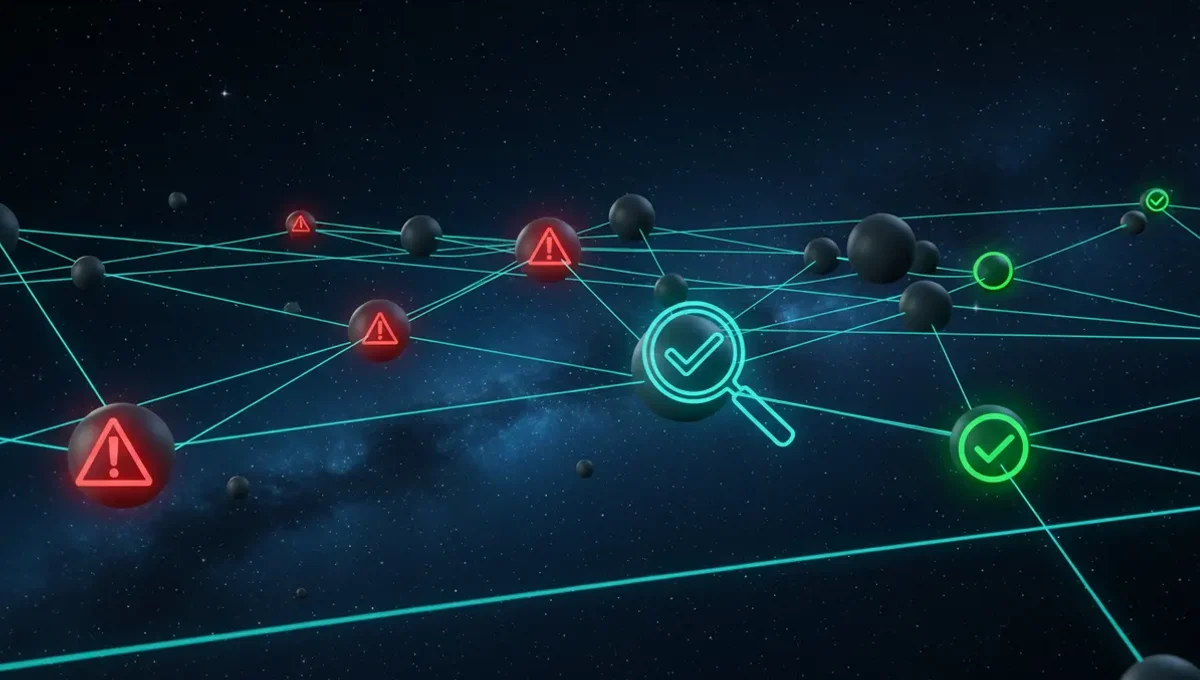
Phishing clones are fake .onion sites designed to look like popular markets or forums. They steal login credentials, private keys, or cryptocurrency. Because onion addresses are long and random, an attacker cannot register a domain that is identical to the real one, but they can create an address that is close enough to fool a tired user or someone copying the link by hand.
According to security-vendor incident reports on onion-service abuse, phishing clones typically appear within days of a popular site going offline or being seized. Users searching for a way back into a market they used before will find the clone in search results or on Reddit and assume it is a mirror. The clone's interface is often copied directly from the real site, making it visually indistinguishable.
Law enforcement also operates honeypot sites: fake onion services designed to collect data about visitors. These are not phishing clones in the traditional sense, but they serve a similar purpose from the user's perspective: they look legitimate but are controlled by an adversary. The distinction matters for your threat model. If you are concerned about law enforcement, assume that any onion link you cannot verify through an official source might be a honeypot. This is not paranoia; it is a documented tactic used by multiple agencies.
Finding Verified Dark Web Onion Links and Directories
Verified onion link directories are maintained by security researchers, privacy advocates, and the Tor Project itself. The Tor Project publishes a list of official onion services on its website, including the Tor Browser download page and the Tor directory authority information. These are the most trustworthy sources for links to Tor infrastructure.
Privacy-focused projects like Tails and Whonix maintain curated lists of onion services relevant to their users. These lists are updated regularly and include only services that have been verified by the project maintainers. The EFF and other digital rights organizations also publish resources on how to find and verify onion links safely.
On this site, the Useful Resources page contains a curated list of verified onion addresses and links to official sources. This list is maintained separately from this article and is updated when services change status. Always check that page before relying on any onion link you find elsewhere. If a link is not on the Useful Resources page, verify it independently using the checklist above before visiting.
Onion Link Search Engines and How to Use Them Safely
Onion search engines like Ahmia and Torch index .onion sites and allow you to search for hidden services by keyword. These search engines are useful for discovery, but results are not vetted for legitimacy or safety. A search result that appears at the top does not mean the site is trustworthy; it only means the site is indexed and contains the keyword you searched for.
When using an onion search engine, apply the same verification steps you would use for any other onion link. Check whether the site has an official announcement or PGP signature. Look for reviews or mentions on security forums, but remember that reviews can be faked. If the site is asking for credentials or payment, verify its authenticity before proceeding.
Search engines themselves can be compromised or replaced with clones. Always access a search engine through a bookmarked link or through the Tor Browser's default homepage, not through a link you found on Reddit or in a forum. If you are searching for a specific site, try searching for its official clearnet website first and look for a link to the onion address from there.
Building Your Own Verified Onion Link Collection
Instead of relying on a single directory or search engine, maintain your own list of verified onion links in a secure location. Store this list in an encrypted file or a password manager that is not synced to the cloud. Include only links you have verified through official sources and have tested yourself.
For each link, record the following information:
- The .onion address (the full v3 address, not a shortened version).
- The site's purpose and what it is used for.
- The date you verified it and the source of verification.
- Any PGP fingerprints or signing keys associated with the site.
- Notes on how to verify the site's authenticity in the future.
When you find a new onion link you want to add to your collection, go through the verification checklist before adding it. Update your list regularly by checking whether each link still responds. Remove any links that are no longer active or that you can no longer verify. This approach takes more time than using a public directory, but it significantly reduces your exposure to phishing clones and honeypots. The effort you invest in verification is an investment in your security.
Next Steps: Accessing Onion Links Safely
Now that you understand how onion links work and how to verify them, the next step is to set up a safe browsing environment. Download Tor Browser from the official Tor Project website and verify its signature before installing it. Use Tor Browser exclusively for accessing onion sites; do not mix Tor traffic with clearnet browsing in the same session.
Before visiting any onion link, disable JavaScript in Tor Browser's security settings. This reduces the risk of browser exploits that could reveal your IP address. Use a dedicated virtual machine or a live operating system like Tails if you are accessing sensitive sites or if you are concerned about malware.
Start by visiting only the onion links on the Useful Resources page of this site. These have been verified and are actively maintained. As you become more comfortable with the process, you can expand your collection using the verification methods described above. Remember that the goal is not to visit as many onion sites as possible, but to access the specific sites you need while minimizing your exposure to phishing, malware, and law enforcement honeypots.
Frequently asked questions
How do I know if an onion link is real or a phishing clone
Verify the link through an official source: the site's clearnet website, a PGP-signed announcement, or a trusted security project's documentation. Compare the address character-by-character with the official source. If you cannot find an official source, assume the link is unverified and do not visit it. Check the site's content and layout against what you expect; clones often have subtle differences.
Can I search for onion sites using a regular search engine
No. Regular search engines like Google do not index .onion sites. You need to use Tor Browser to access onion links, and you need to use onion-specific search engines like Ahmia or Torch to find them. However, search results from onion search engines are not vetted for safety, so you must verify any link before visiting it.
What should I do if an onion link I used before no longer works
The site may have been taken offline, seized by law enforcement, or abandoned by its operator. Do not assume a new link claiming to be a mirror is legitimate. Search for an official announcement from the site's operators, or check the Useful Resources page on this site for updated information. If you cannot verify the new link, do not visit it.
Is it illegal to visit dark web onion links
Visiting an onion site is not illegal in most jurisdictions. However, the content or activity on that site may be illegal. Accessing a marketplace that sells illegal goods, or participating in illegal activity, is a crime regardless of whether it happens on the dark web or the clearnet. Using Tor Browser itself is legal in most countries.
How often do onion links and addresses change
Onion addresses themselves do not change; a legitimate hidden service always has the same .onion address. However, sites go offline, are seized, or are abandoned frequently. Directories and link lists become outdated quickly. Phishing clones and mirrors appear constantly. Always verify a link before visiting, and maintain your own list of verified addresses rather than relying on public directories.