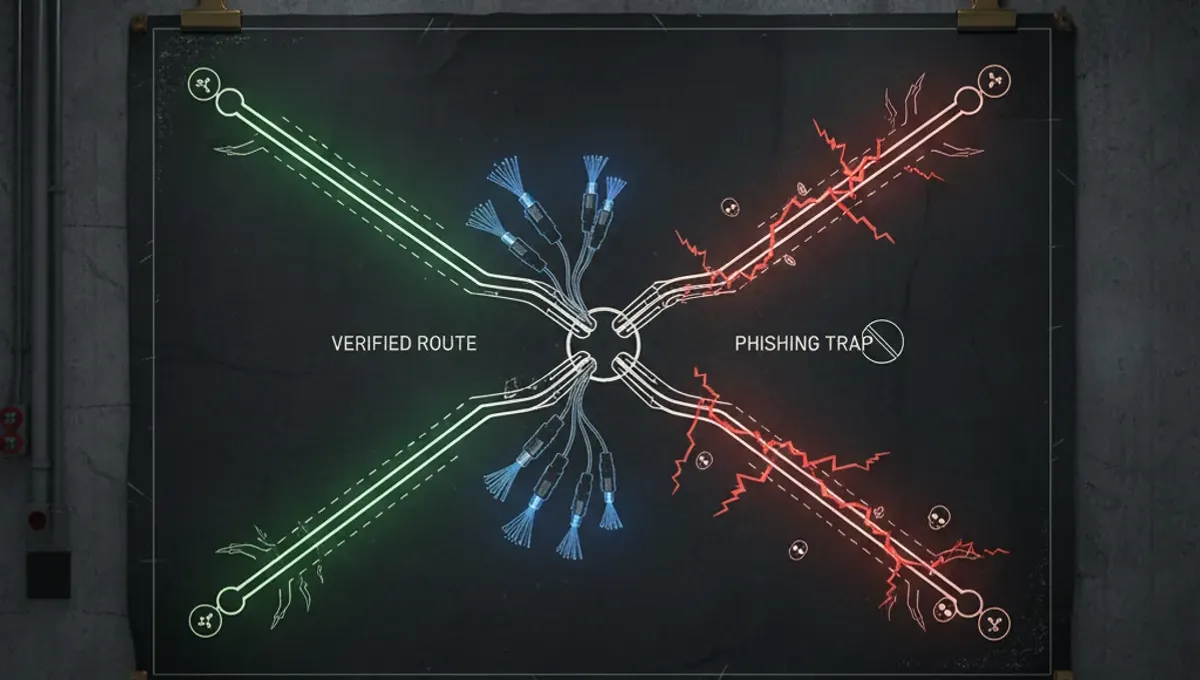
What Counts as a Dark Web Tool
A dark web tool is any software designed to protect your identity, encrypt your communications, or facilitate anonymous access to the Tor network and onion services. These tools range from the Tor Browser itself to PGP encryption software, VPN clients, secure messaging applications, and operating systems hardened for privacy. The distinction matters because not every privacy tool is a dark web tool; a dark web tool is specifically built or configured to work with Tor or to protect you while using it.
The dark web browsers list typically starts with the official Tor Browser, which bundles Tor, Firefox, and security extensions into one package. Beyond browsers, a dark web tools list includes encryption utilities like GnuPG for signing and verifying onion addresses, secure email clients, and tiling window managers that reduce your attack surface. Each tool serves a specific function: some isolate your traffic, others verify authenticity, and still others compartmentalize your activities so that a compromise in one area does not leak your identity across the entire system.
The Tor Browser and Network Access
The Tor Browser is the foundation of any dark web tools list. It is maintained by the Tor Project and combines the Tor network client with a hardened version of Firefox, pre-configured with security extensions and privacy settings. When you launch it, your traffic is routed through multiple Tor relays, making it extremely difficult for an observer to link your IP address to the onion sites you visit.
The Tor Browser also includes built-in protections against fingerprinting, a technique where websites identify you based on your browser configuration rather than your IP. It disables JavaScript by default in certain contexts, blocks plugins, and resets your window size to a standard dimension so that your screen resolution does not become a tracking vector. If you are new to Tor, the Tor Browser is the only tool you should use to access onion links; alternatives like Tails or Whonix are more advanced and require additional setup.
Operating Systems and Isolation
For users who need stronger compartmentalization, a dark web tools list includes Tails and Whonix, both of which are Linux distributions designed to route all traffic through Tor and leave no traces on your disk. Tails runs entirely in RAM and can boot from a USB stick or DVD, meaning every session starts fresh and no data persists unless you explicitly save it to an encrypted volume. Whonix uses virtual machines to separate your applications from the Tor gateway, so even if malware compromises your browser, it cannot directly access your real IP address.
These tools are not necessary for casual onion browsing, but they are essential if you are handling sensitive information, communicating with sources, or concerned about advanced threats. The trade-off is complexity: Tails requires you to understand how to create bootable media and manage encrypted storage, while Whonix demands familiarity with virtual machine software. Both are free and open-source, audited by security researchers, and maintained by teams committed to anonymity.
Encryption and Identity Verification
A dark web tools list must include encryption software because onion sites are frequently cloned and impersonated. GnuPG (GNU Privacy Guard) is the standard tool for verifying PGP signatures, which many legitimate onion services publish to prove their authenticity. When a dark web forum or marketplace operator signs an announcement with their private key, you can verify that signature using their public key and be confident the message came from them, not from a phishing clone.
To use GnuPG effectively, you need to understand how to import public keys, verify signatures, and check key fingerprints. The Tor Project publishes its signing key on multiple channels so you can verify the authenticity of Tor Browser releases. Similarly, security researchers and journalists often publish their PGP keys so sources can encrypt sensitive communications. Learning to use GnuPG takes time, but it is one of the few ways to be certain you are communicating with the real entity and not an attacker.
Secure Messaging and Email
The dark web email list includes both clearnet services that respect privacy and onion-based email providers. ProtonMail and Tutanota offer encrypted email with no ads and no tracking, though they operate on the clearnet. Some users prefer onion-only email services, but these are less reliable because they depend on small teams and can disappear without warning. If you choose an onion email provider, verify its PGP key and check whether it has been discussed in security communities or on Reddit before trusting it with sensitive correspondence.
For real-time messaging, Signal is widely recommended because it uses end-to-end encryption by default and does not store message content on its servers. Wire and Briar are alternatives that offer additional privacy features, though they have smaller user bases. When selecting a messaging tool, consider whether it requires a phone number (Signal does, though you can use a privacy-focused SIM or a temporary number), whether it stores metadata, and whether the code is open-source and audited. Never assume that a tool is secure just because it is advertised on dark web forums; verify its reputation through independent security researchers.
Reality Check: How Tools Fail in Practice
According to Tor Project documentation, the most common reason users compromise their anonymity is not a flaw in Tor itself but user error: opening a PDF in the Tor Browser without disabling JavaScript, using a username that matches your real identity, or logging into a personal account while connected to Tor. This matters because no tool can protect you if you voluntarily reveal yourself. A dark web domain list or dark web hackers list might look impressive, but if you visit those sites using a username tied to your real name, the tool has failed.
Public law-enforcement press releases on darknet cases consistently show that arrests result from operational security mistakes, not from Tor being broken. Users have been caught because they reused email addresses, paid for services with traceable cryptocurrency, or used their real phone number during registration. Court records reveal that even sophisticated criminals have been undone by metadata, browser fingerprints, or timing analysis. The lesson is that tools are only as strong as the discipline of the person using them. A dark web combo list or dark web tools list is useless if you do not understand the assumptions behind each tool and the ways you can accidentally leak information outside of it.
Building Your Tool Stack
Start with these steps to assemble a functional dark web tools list for your needs:
- Download the Tor Browser from the official Tor Project website and verify its signature using GnuPG.
- Install a password manager like Bitwarden or KeePass to generate and store unique, random passwords for each onion service.
- Set up a separate email address (using ProtonMail or a similar service) for dark web activities, distinct from your personal email.
- Learn to use GnuPG by practicing with public keys from security researchers and the Tor Project.
- If you handle sensitive information, consider running Tails from a USB stick for high-risk sessions.
- Never install additional browser extensions or plugins beyond what comes with the Tor Browser.
- Disable JavaScript in the Tor Browser settings if you are visiting untrusted sites.
This stack is not overkill for casual browsing, but it is the minimum for anyone accessing forums, marketplaces, or leaked data. The key is to use each tool consistently and to understand what it does and does not protect against. A dark web tools list is only useful if you actually use the tools correctly.
Frequently asked questions
What is the best tool to access the dark web safely
The Tor Browser is the standard choice for most users. It is maintained by the Tor Project, includes security extensions by default, and protects against fingerprinting. If you need stronger isolation, Tails or Whonix provide additional compartmentalization, but they require more technical knowledge and are slower.
Do I need a VPN if I am using Tor
A VPN before Tor can hide the fact that you are using Tor from your ISP, but it does not improve your anonymity on the network itself. Some security researchers recommend it for users in countries that block or monitor Tor; others argue it adds complexity without benefit. The choice depends on your threat model and what you are trying to hide from.
How do I know if an onion site is real and not a clone
Legitimate onion services publish PGP-signed announcements with their address. Verify the signature using GnuPG and the operator's public key. Check the site's onion address against multiple sources, including the official website or verified Reddit communities. Never trust an address from a single source, especially if it came from a forum post or a link.
Can I use the Tor Browser on my phone
Yes, Tor Browser is available for Android. On iOS, you can use Onion Browser, which is open-source and connects to Tor, though it is not maintained by the Tor Project. Mobile Tor use is slower and more battery-intensive than desktop use, and the smaller screen makes it easier to accidentally reveal information.
What should I do if I find my personal information on a dark web data leak site
Change your passwords immediately, especially for email and financial accounts. Enable two-factor authentication where available. Monitor your credit reports and consider a credit freeze if your Social Security number or financial data was exposed. Do not pay ransom or contact the site; report the leak to the relevant company or organization.